
Receipts, put to work
Your receipts, in order.
Kacha reads and files the receipts you already get: organized spending for shoppers, tidy books for businesses and accountants, and honest sales insight for the people who make and sell what East Africa buys.
Free on Android and iPhone · Every receipt verified · Points paid out as airtime
What Kacha is
Snap a receipt. Kacha does the rest.
“Kacha” is Swahili for take a picture. That one photo is read, checked and put to work for whoever needs it.
Snap it
Photograph any receipt, or scan the QR code printed on it. Long receipts can be shot in sections.
We read it
Kacha picks out the merchant, the date, every item and the total — no typing.
We check it
Every receipt is verified as genuine and checked against what you’ve already scanned, so duplicates never slip through.
It goes to work
Points for a shopper, an approved expense for a business, a filing-ready line for an accountant, anonymous purchase data for a brand.
Who it is for
One receipt. Four ways it helps.
Shoppers
Keep track of what you already buy
Scan receipts, keep them filed, and see where your money goes and what things should cost. Collect a few Kacha Points along the way.
Get the appBusinesses & solopreneurs
Receipts approved, reimbursed and filed
Your team scans on their phones. You approve and export from any browser, with the details your accountant needs already attached.
Kacha for BusinessAccountants & CPAs
Client receipts in, VAT3 out
Collect receipts without chasing, verify them with KRA, and fill KRA’s own VAT3 workbook for every client.
Kacha for AccountantsSuppliers & manufacturers
See what your market actually buys
Stores see the shoppers coming through and bring them back with offers. Manufacturers see where their products sell.
Kacha for Suppliers
Illustration
For shoppers
Stop losing track of your receipts.
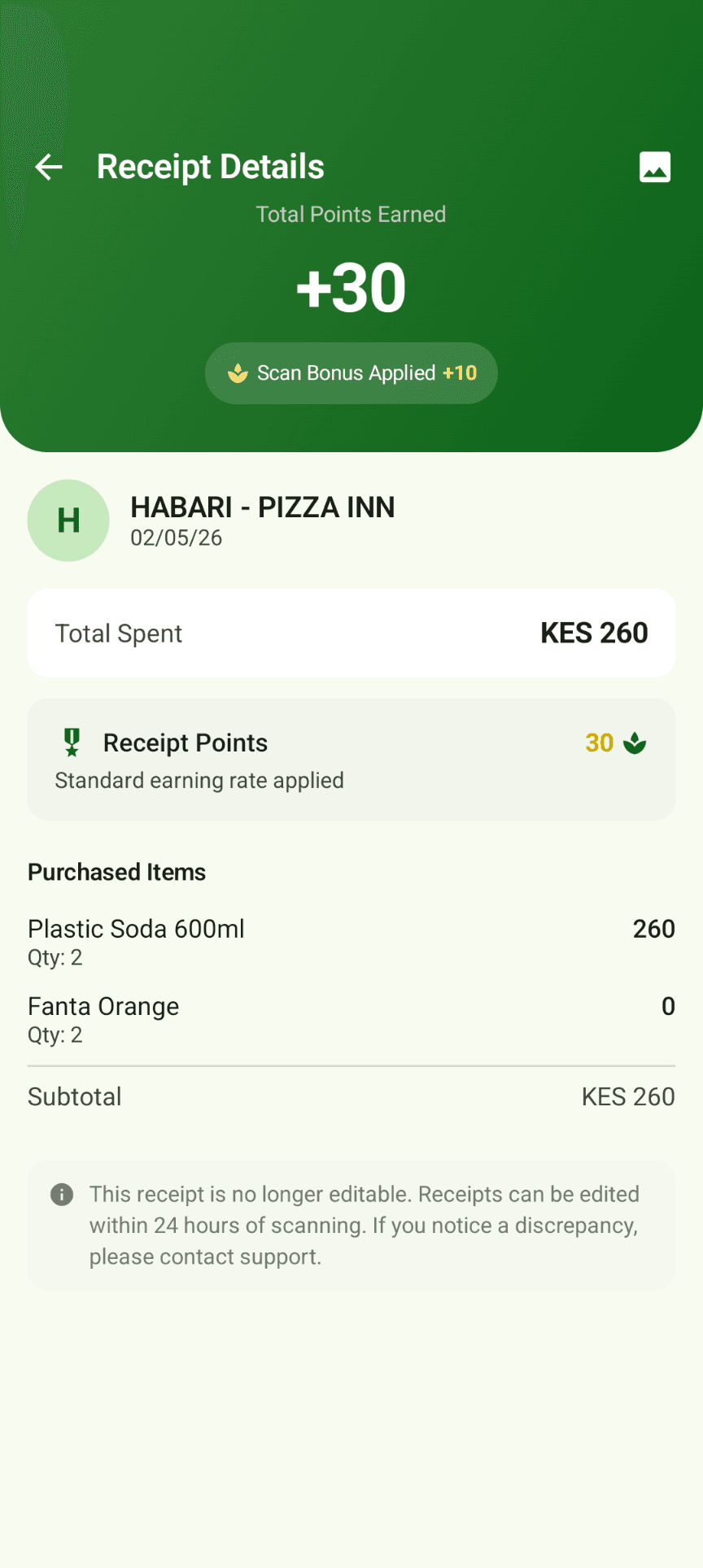
Scanning takes seconds. Kacha reads and files every receipt, and adds a few Kacha Points as a thank-you.
A few points as a thank-you
Valid scans add Kacha Points, with small extras for keeping a streak and for receipts we’ve verified.
Use points for airtime
Points can go toward airtime sent straight to your phone, where it is available.
Price Check
See what a product typically costs near you, so you know when a price is fair rather than just cheap.
Know where it goes
Set a monthly budget and watch your spending by category, with M-Pesa payments captured alongside receipts.
Friends and streaks
Invite a friend and you both earn bonus points once they are scanning regularly.
Try before you sign up
Scan your first receipts as a guest and see how it works. Your points are waiting when you create an account.
Trust
Your receipts, handled with care.
A receipt says a lot about a person. Kacha is built so it only ever does the job you scanned it for.
Business stays separate
A business’s receipts never count towards shopper points, price checks or what manufacturers see. Work and personal accounts are separate logins.
Brands see patterns, not people
Suppliers and manufacturers see purchases added up across shoppers. They never see names, phone numbers or accounts.
Checked, not trusted blindly
Receipts are verified for authenticity, and duplicate or suspicious scans are caught before points are paid.
You can leave
Delete your account from inside the app whenever you like. Read our privacy policy for exactly what that removes.
Read the privacy policy and terms.
Questions
Good to know
Do I need to be a business to use Kacha?
Which receipts work?
How do points work?
Can I use my personal Kacha account for my business?
Where does Kacha work?
Who can see my receipts?
Put your first receipt to work.
It takes about a minute to download, sign up and scan.